Focused, single-column navigation
Move from cluster overview to resources, logs, YAML, fault analysis, or a full-screen shell without squeezing desktop controls into a phone.
 Hound K8s
Hound K8s for iOS and iPadOS
Inspect, diagnose, edit, and operate clusters from iPhone or iPad. One App Store purchase includes Hound for Mac, iPhone, and iPad — no subscription, trial, or additional in-app unlock.
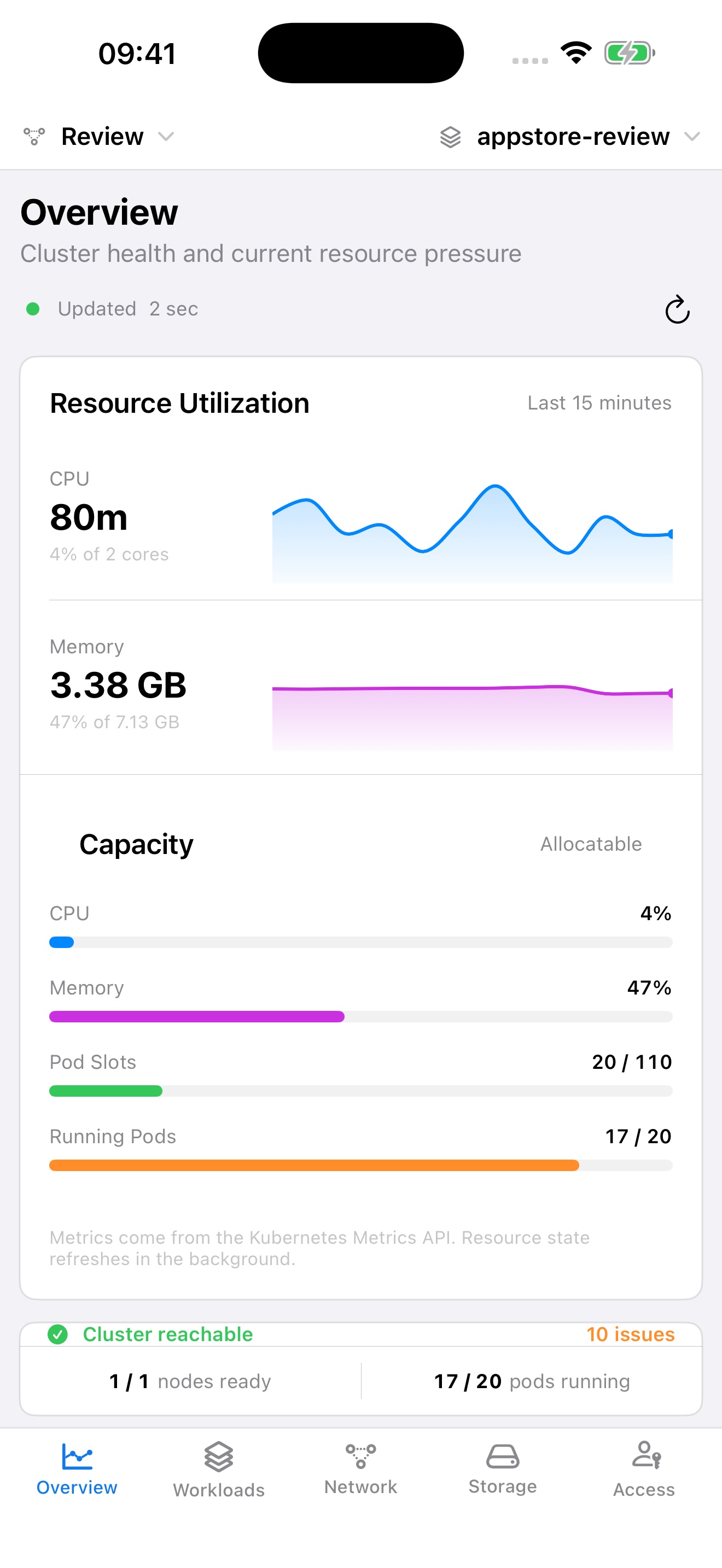
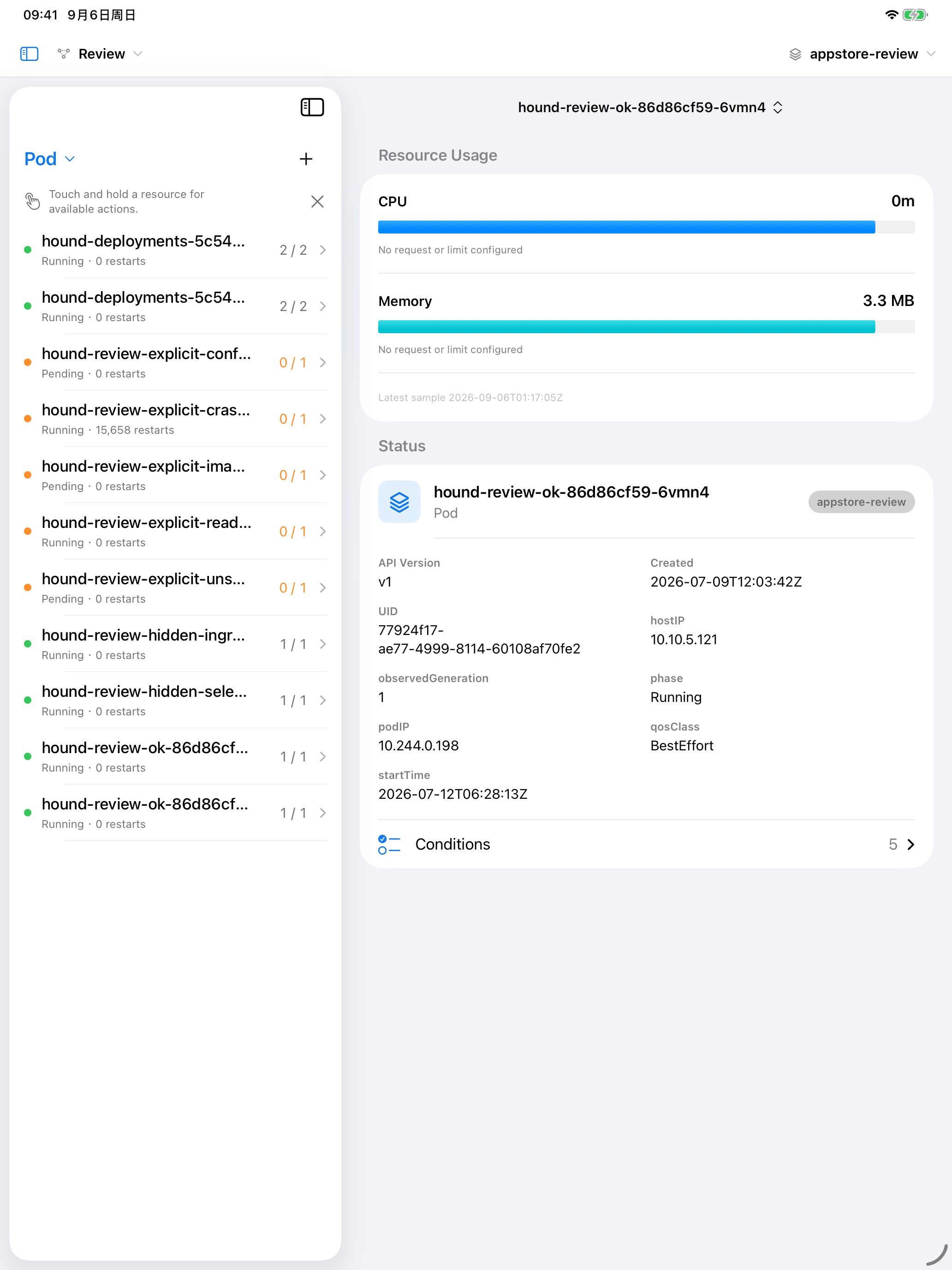
iPhone keeps navigation focused. iPad uses the available width for resource lists and detail workspaces.
Move from cluster overview to resources, logs, YAML, fault analysis, or a full-screen shell without squeezing desktop controls into a phone.
Keep the resource list visible beside status, YAML, logs, fault analysis, and actions. Portrait and landscape layouts adapt automatically.
Hound connects directly from your device to the Kubernetes and identity endpoints you choose.
Overview health, workload status, events, resource relationships, CPU and memory, plus locally cached results when a connection is slow.
Fault analysis combines Kubernetes evidence with relevant logs. Follow logs without letting high-volume streams block the app.
Edit and apply YAML, scale workloads, restart rollouts, inspect containers, open a pod shell, and confirm destructive actions before they run.
Return to the last cluster and namespace after reopening the app. Connection retries and timeouts stay outside the main interface.
Google sign-in lets Hound list the projects and GKE clusters visible to your account, then obtain short-lived credentials for the cluster you select.
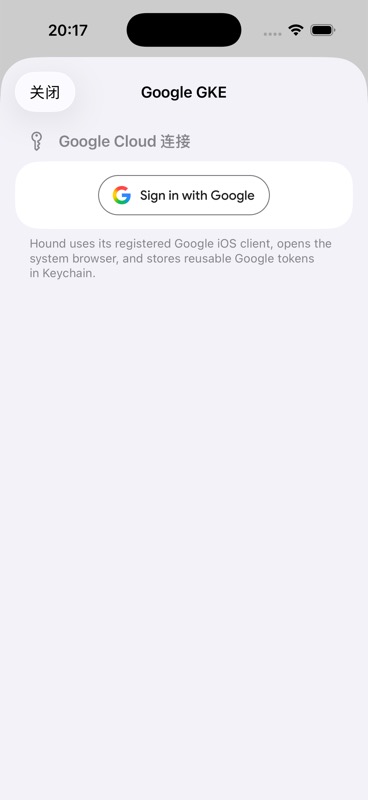
Import a supported kubeconfig file, paste kubeconfig text, or use the built-in connection flows for Amazon EKS and Google GKE.